
Nine Casino UK Login, Registration and Verification Processes
Accessing your Nine Casino login is the first step to playing real money games on our site. All you need is an email, a password and a few personal details. Then, check your inbox for our confirmation email to verify your account. We’ll also cover the 24-hour verification process, which requires documents like a government-issued ID, and help with common problems you might face during your Ninecasino login process in the UK.
Benefits of Having a Personal Account with Nine
You should complete the Nine Casino register process to get full access to the platform. A standard visitor cannot interact with real money titles, make deposits or claim offers. Here are some reasons to register:
- You get access to welcome bonuses, free spins and cashback deals.
- Your account uses SSL encryption to protect your funds and personal data after Nine Casino sign in.
- The site remembers your favourite games and betting history for tailored services.
- Registered UK players can join exclusive slot races and table game competitions.
- You get direct access to customer care through 24/7 live chat and email.
Using your Nine Casino UK login means unlocking features that improve your time on the site.
How to Start NineCasino Registration
Setting up your Nine Casino account takes just a few minutes. Follow these steps to get started:
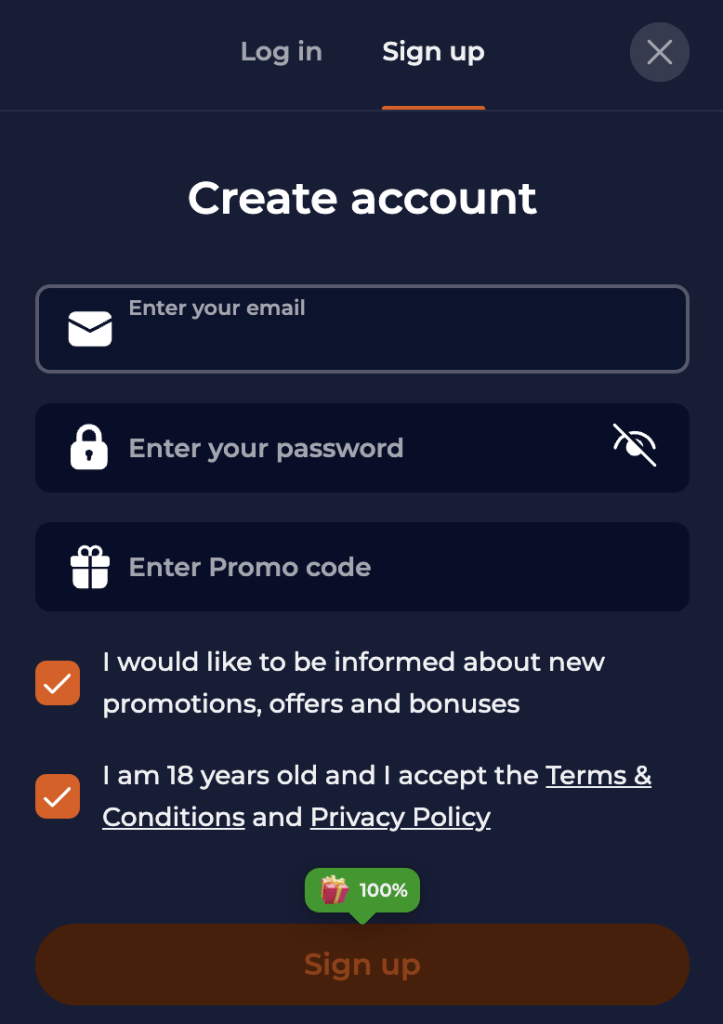
- Open the registration form. Go to the homepage and click the Sign Up button. This action opens a pop-up window.
- Enter login details. Type in your email address and create a password. You will use these credentials for your Nine Casino sign in later.
- Confirm your age. Tick the box to confirm you are over 18 years old. You must also agree to the terms and privacy policy.
- Provide personal information. Fill in your first name, last name, city, address and mobile number. Ensure this data matches your ID documents.
- Select your preferences. Choose your currency (GBP) and opt-in for newsletters if you want bonus updates. Double-check all entered information.
- Finalise the account. Click the Sign Up button at the bottom of the form. Check your email inbox for a verification link to activate the profile.
After the NineCasino register, you might need to verify your identity with a few documents. If that happens, don’t worry, there are instructions to help you sort it out.
Required Documents for UK Users
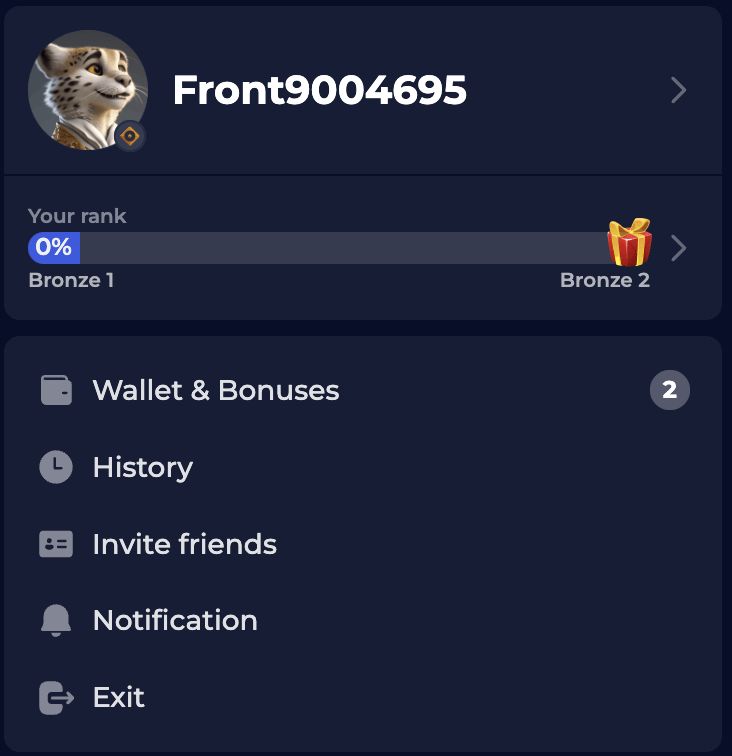
Before withdrawing funds, verify your account after you Nine Casino register. Our platform needs to confirm a few details from UK players to meet KYC rules.
- For ID verification – passport, driving licence, national ID card.
- For address check – utility bill or bank statement from the last 3-6 months.
This Nine Casino verification helps identify who you are and ensures secure transactions.
Casino Account Verification
The register steps allow you to deposit, but our Nine Casino verification ensures you can cash out. This security measure prevents fraud and protects player funds.
- Log in to your profile. Use your standard credentials to access your account dashboard.
- Locate the verification section. Navigate to your profile settings and find the Verification tab.
- Upload your ID. Take a clear photo of your passport or driving licence and upload the file.
- Upload address proof. Submit a photo or PDF of your utility bill or bank statement.
- Wait for confirmation. The Nine Casino verification time is typically 24 to 48 hours.
NineCasino Login Process
You can access your account from any device once you have your credentials. The Nine Casino login procedure remains consistent whether you use a desktop or a laptop.
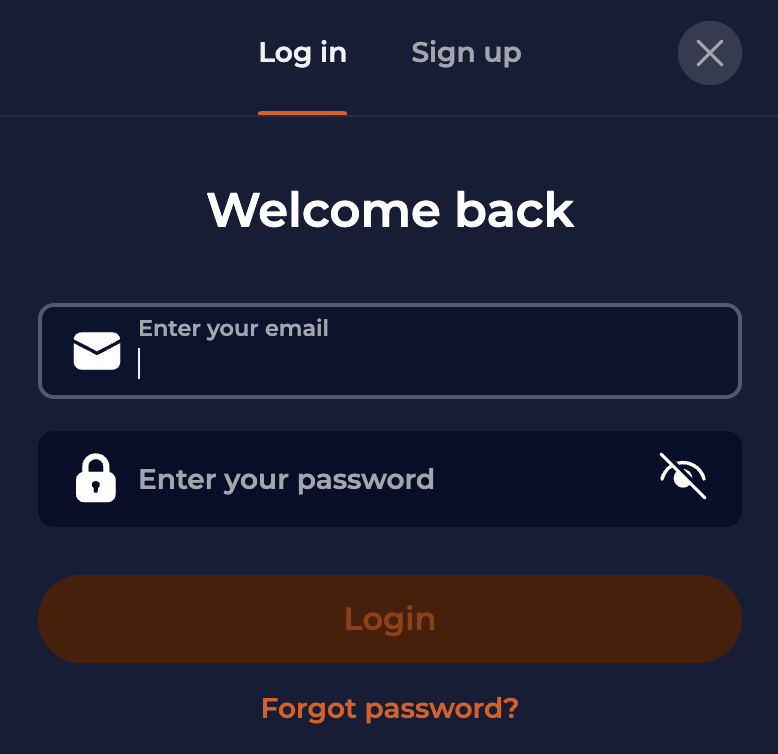
- Visit the website. Open your preferred web browser and go to our homepage.
- Find the button. Look for the Login button located in the top-right corner of the screen.
- Enter credentials. Type the email and password you created during the Nine Casino sign in. Double-check your details to avoid any errors.
- Submit details. Click the button to access your dashboard and start playing.
You can choose from several ways to access your account during the NineCasino login process:
| Nine Casino Log In Method | Time Required | Security Level | Available Devices |
| Username / Password | 10-15 seconds | Standard | All devices |
| Biometric | 3-5 seconds | High | Mobile only |
| Social Media | 5-10 seconds | Standard | All devices |
| Two-Factor | 15-30 seconds | Maximum | All devices |
Login via Mobile App
Players can use the Nine Casino UK login on smartphones for gaming and cashing out on the move.
- Open the app or browser. Launch our app or Safari/Chrome.
- Tap Log In. Select the login option on the main screen.
- Enter data. Input your username and password.
- Access account. Tap submit to enter the lobby.
NineCasino login on our PWA works on any devices. iOS and Android users can also use the mobile browser.
Personal Data Protection and Security
When you finish the Nine Casino register and start spinning the reels, your data stays safe. This is how we do it.
- SSL encryption – scrambles sensitive data like passwords and payment info.
- Secure servers – stores personal information in protected database environments.
- 2FA – adds a step to the Nine Casino verification for extra safety, like a code sent to your phone.
Our platform uses technology to stop unauthorized access, designed with your safety in mind.
Possible Nine Casino Login Issues for New Players
Sometimes the casino 9 login fails, especially if you’re a new UK player. Here are common problems and how to fix them.
- Incorrect credentials: check CAPS LOCK key. Did you type the correct email address?
- Browser cache: old data can cause errors. Clear your browser history and cookies, then try to access the site again.
- Account lock: too many failed attempts will lock your profile. Wait 15 minutes or contact support to unlock the account associated with your Nine Casino UK login.
- Connection errors: check your internet or Wi-Fi. Switch to mobile data if your home network is blocking the gambling site.
Recovering Forgotten Password or Email
If you can’t complete the NineCasino login, click the Forgot Password link on the login form. Enter your registered email address. We’ll send a link to reset your password. If you don’t remember your email, get in touch with support. Recovering your Nine Casino login is fast and secure.
How to Delete Your Account
You might decide to stop using your Nine Casino UK login for privacy or responsible gambling reasons, like inactivity or self-exclusion. Here’s a step-by-step guide on how to do it.
- Contact support. The primary way to close an account is by emailing the support team.
- Verify identity. You may need to confirm your details to prove you own the account.
- Request closure. If you want a temporary suspension or permanent deletion, state it.
- Withdraw funds. Your balance must be zero before ending the NineCasino login closure.
- Confirmation. Wait for an email confirming that your account is closed.
This works for you, whether you want to delete your account permanently or not.